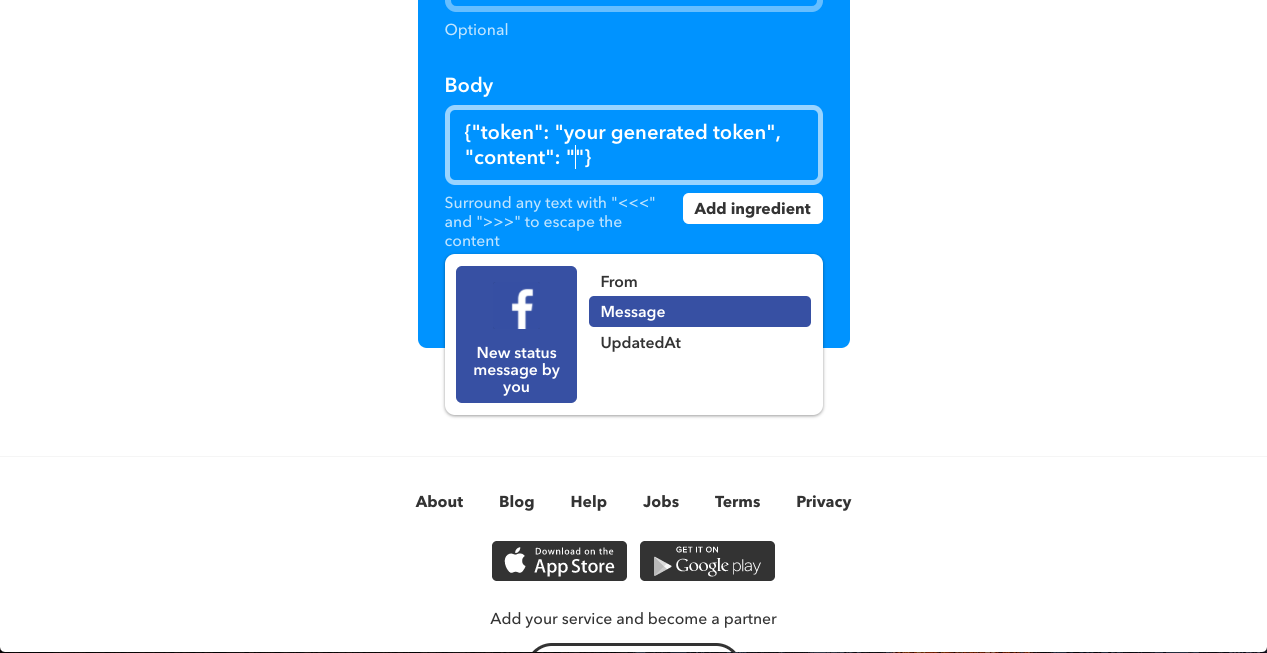
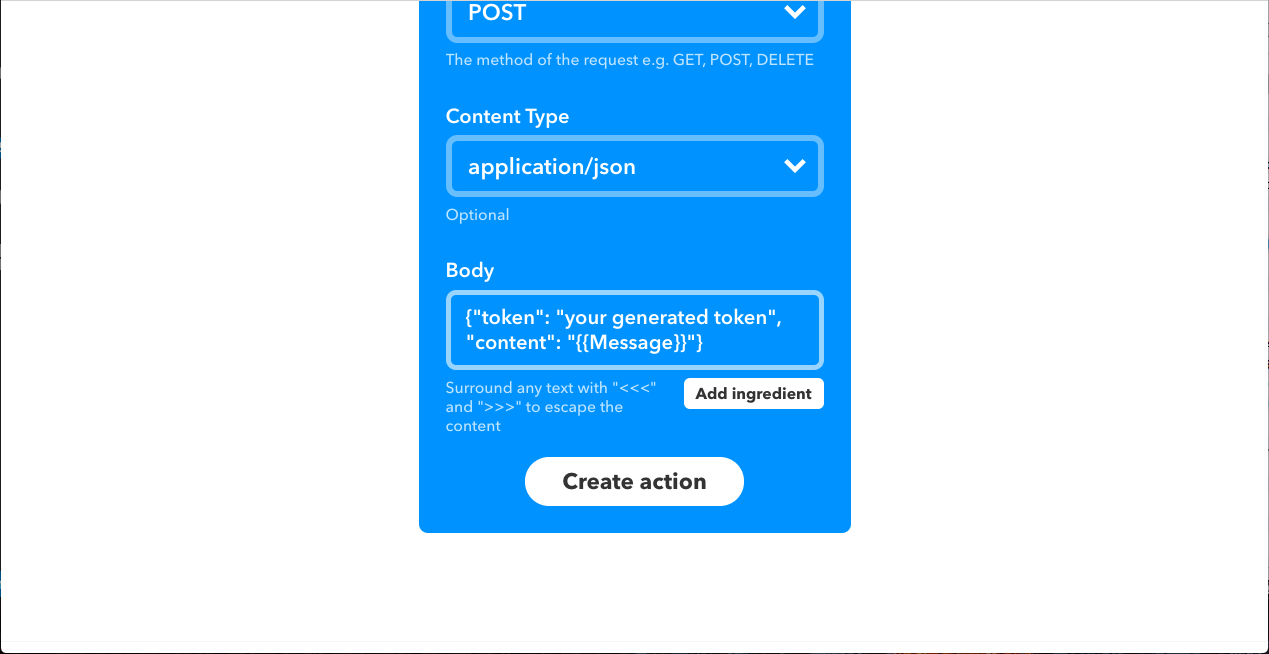
This article will show how to create an IFTTT applet that uploads Facebook posts to Rinkeby, one of the testnets of Ethereum.
1. Get Ether
Firstly, we have to get Ether to run code on Ethereum. Since Rinkeby is a test net, you don’t have to pay. Install some Ethereum wallet, such as MetaMask, and create an account on Rinkeby. Then, just go to the authenticated faucet of Rinkeby and follow its procedure to get Ether for free. In this article, MetaMask is used as the client.
MetaMask Installation
First, get Metamask at Chrome Store. https://chrome.google.com/webstore/detail/metamask/nkbihfbeogaeaoehlefnkodbefgpgknn
Tap Metamask icon. A window will appear.
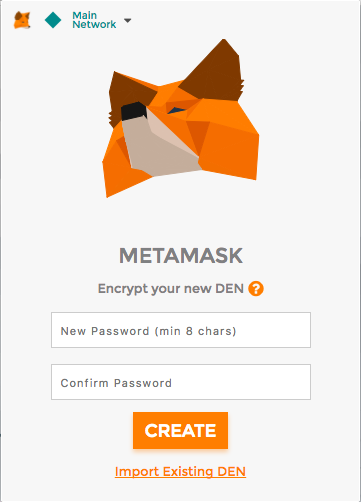
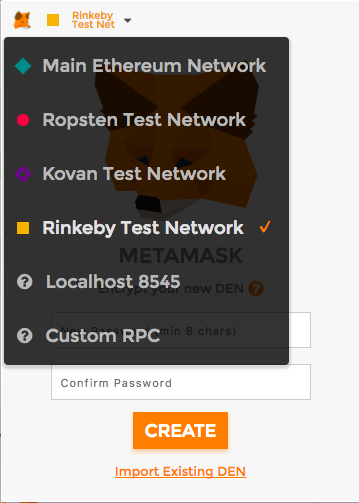
Set the network to Rinkeby.
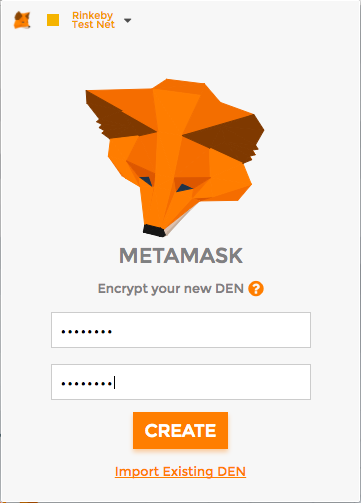
Set password.
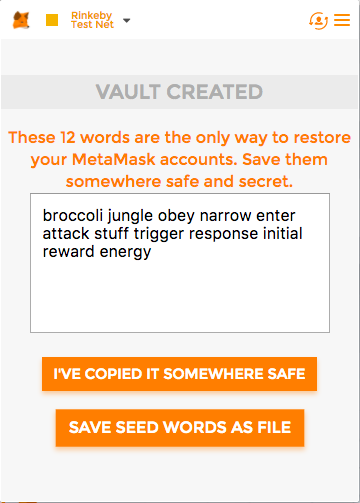
Save mnemonic to somewhere.
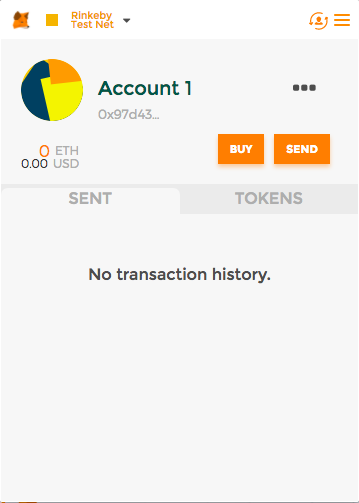
Complete!
2. Make a smart contract to store posts
Next, we make a smart contract which can store an array of strings.
Smart contracts are the programs which runs on the Ethereum network. We use the language called Solidity to compile smart contracts. After compiling, sign the binary, and upload it to the network. Then, a smart contract will be created on the Ethereum network. We can send a transaction to it to call some function. In short, smart contracts are like serverless APIs.
Here is my Solidity code:
contract Posts {
    mapping (uint256 => string) public allPosts;
    uint256 public numPosts;
    address public owner;

    function Posts () {
        owner = msg.sender;
    }

    function newPost (string content) {
        require(msg.sender == owner);
        allPosts[numPosts] = content;
        numPosts++;
    }
}
When this contract is created, it remembers the address of creator as owner. Only owners can call newPost. newPost receives a string value, and every time it is called, it will store the argument to allPosts.
Let’s compile on Remix, an online Ethereum IDE. Go to https://remix.ethereum.org/ via your Ethereum wallet, paste the code, compile and click “Create” button.
After launching Remix, unlock Metamask.
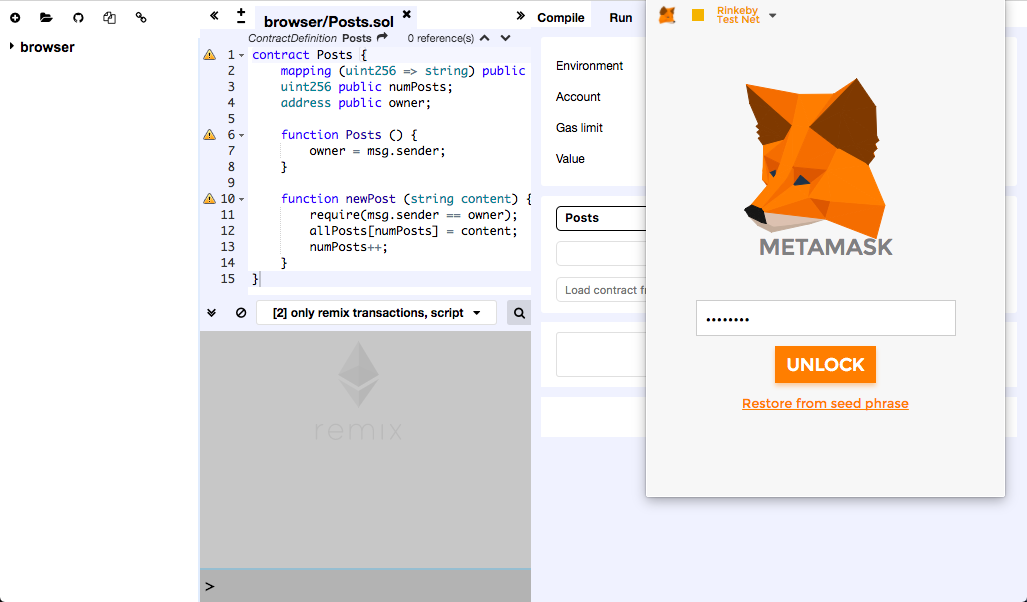
Press “Create” button at the “Run” tab, then a confirmation popup will appear.
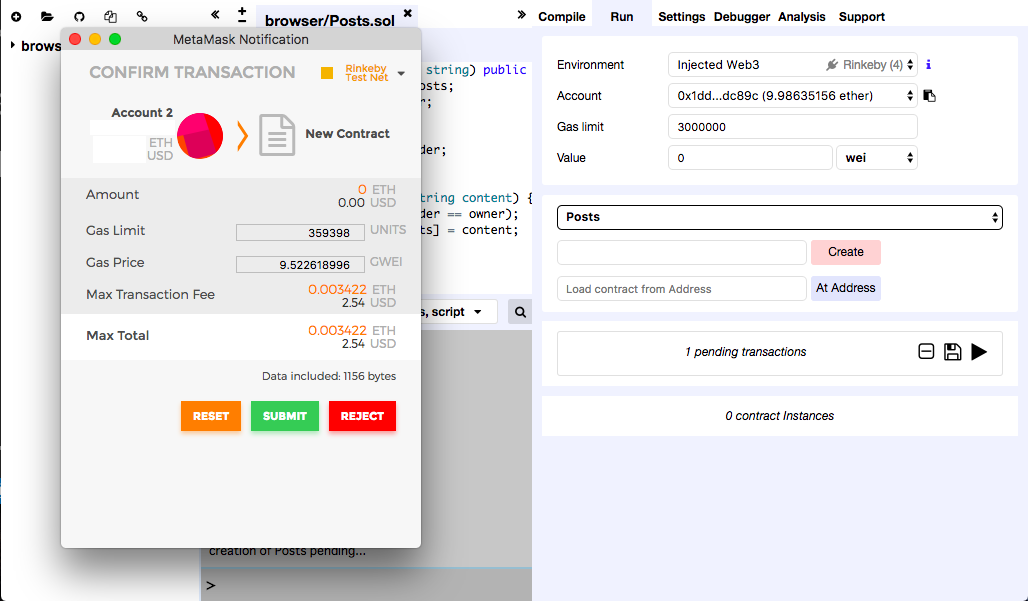
Smart contracts act like serverless APIs. We can call their function by sending a transaction to them.
3. Create a server to upload data
IFTTT doesn’t support uploading data to Rinkeby, so we have to create some system. While using serverless computing servicies, such as Lambda or Google Cloud Functions, will be desirable, Lambda has an issue on npm, and Google Cloud Functions couldn’t connect to the public rpc server, which is essential to access to Rinkeby. So this time, I made a Node.js server in Heroku. The following article was helpful to write code.
https://medium.com/@codetractio/try-out-ethereum-using-only-nodejs-and-npm-eabaaaf97c80
This is the server code index.js (Don’t forget to fill credentials and contract information) :
// requirements
// web3@0.20.3
// ethereumjs-tx@1.3.3
// express@4.16.2
// body-parser@1.18.2

// credentials information
const address = "<< ADDRESS OF THE ACCOUNT WHICH CREATED THE CONTRACT >>"
const key = "<< PRIVATE KEY OF ABOVE ADDRESS >>"
const accessToken = "<< RONDOMLY GENERATED TOKEN TO ACCESS THIS SERVER >>"

// contract information
const contractAddress = "<< ADDRESS OF THE CONTRACT >>"
const contractABI = [
	{
		"constant": true,
		"inputs": [],
		"name": "owner",
		"outputs": [
			{
				"name": "",
				"type": "address"
			}
		],
		"payable": false,
		"stateMutability": "view",
		"type": "function"
	},
	{
		"constant": true,
		"inputs": [],
		"name": "numPosts",
		"outputs": [
			{
				"name": "",
				"type": "uint256"
			}
		],
		"payable": false,
		"stateMutability": "view",
		"type": "function"
	},
	{
		"constant": true,
		"inputs": [
			{
				"name": "",
				"type": "uint256"
			}
		],
		"name": "allPosts",
		"outputs": [
			{
				"name": "",
				"type": "string"
			}
		],
		"payable": false,
		"stateMutability": "view",
		"type": "function"
	},
	{
		"constant": false,
		"inputs": [
			{
				"name": "content",
				"type": "string"
			}
		],
		"name": "newPost",
		"outputs": [],
		"payable": false,
		"stateMutability": "nonpayable",
		"type": "function"
	},
	{
		"inputs": [],
		"payable": false,
		"stateMutability": "nonpayable",
		"type": "constructor"
	}
]

// requires
const express = require('express');
const Web3 = require('web3');
const tx = require('ethereumjs-tx');
const bodyParser = require('body-parser');

const web3 = new Web3(
  new Web3.providers.HttpProvider('https://rinkeby.infura.io/')
);

// functions
const sendRaw = (rawTx) => {
  var privateKey = new Buffer(key, 'hex');
  var transaction = new tx(rawTx);
  transaction.sign(privateKey);
  var serializedTx = transaction.serialize().toString('hex');
  web3.eth.sendRawTransaction('0x' + serializedTx, (err, result) => {
      if(err) {
          console.log(err);
      } else {
          console.log(result);
      }
  });
}

// main
const app = express();
const posts = new web3.eth.contract(contractABI).at(contractAddress);

app.use(bodyParser.json());

app.post('/', (req, res) => {
	if (req.body.token === undefined || req.body.content === undefined) {
		res.status(500).send("INVALID ARGUMENTS");
		return;
	}
	if (req.body.token != accessToken) {
		res.status(500).send("INVALID TOKEN");
		return;
	}
	try {
		sendRaw({
			nonce: web3.toHex(web3.eth.getTransactionCount(address)),
			gasLimit: web3.toHex(800000),
			gasPrice: web3.toHex(20000000000),
			to: contractAddress,
			data: posts.newPost.getData(req.body.content)
		});
	} catch (e) {
		res.status(500).send("FAIL");
		return;
	}
	res.status(200).send("SUCCEED");
});

app.listen(process.env.PORT || 5000);
package.json:
{
  "name": "rinkeby-post",
  "version": "1.0.0",
  "main": "index.js",
  "dependencies": {
    "body-parser": "^1.18.2",
    "ethereumjs-tx": "1.3.3",
    "express": "^4.16.2",
    "web3": "0.20.3"
  },
  "scripts": {
    "start": "node ./index.js"
  }
}
The constant contractABI is the ABI (Application Binary Interface) of contract. It stores information about the functions and their arguments. Libraries make function calls based on contractABI.
https://rinkeby.infura.io/ is a public Ethereum node. To access to Ethereum, you have to use some Ethereum node. Since running a Ethereum node all the time is bothering, we use a public node in this case.
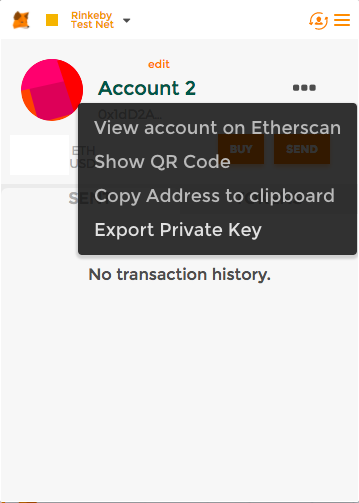
In order to run this code, you have to export private key of your account, and fill credentials information in the code.
4. Make IFTTT webhook
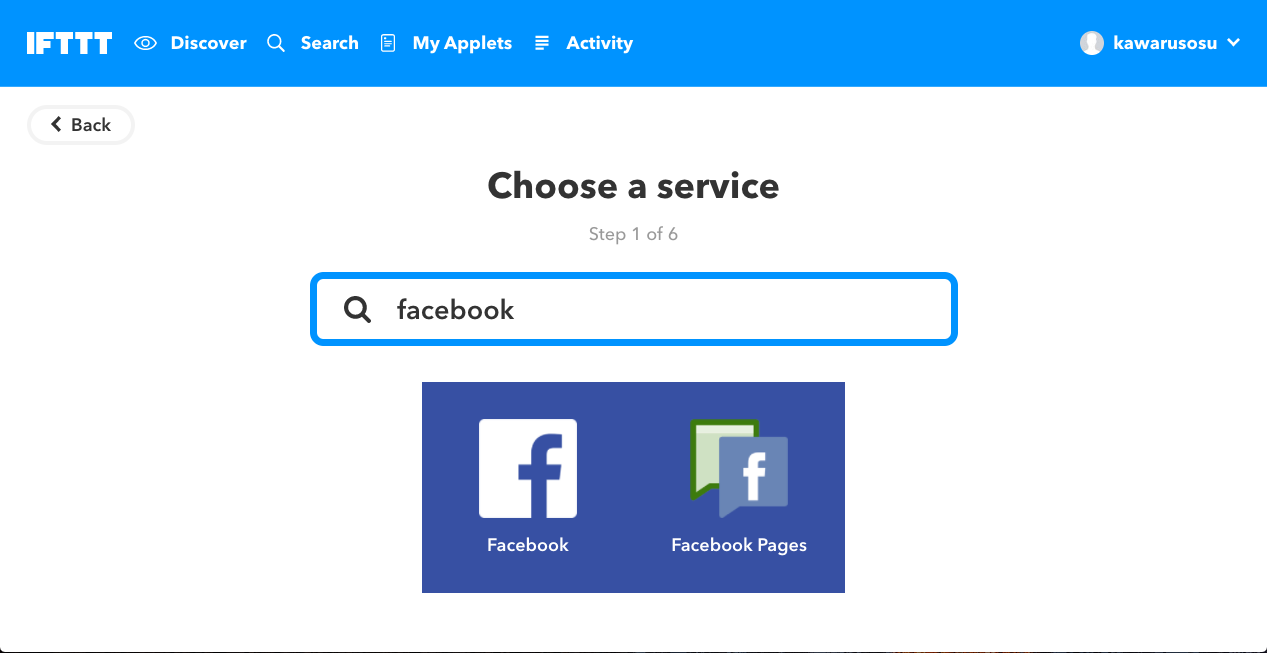
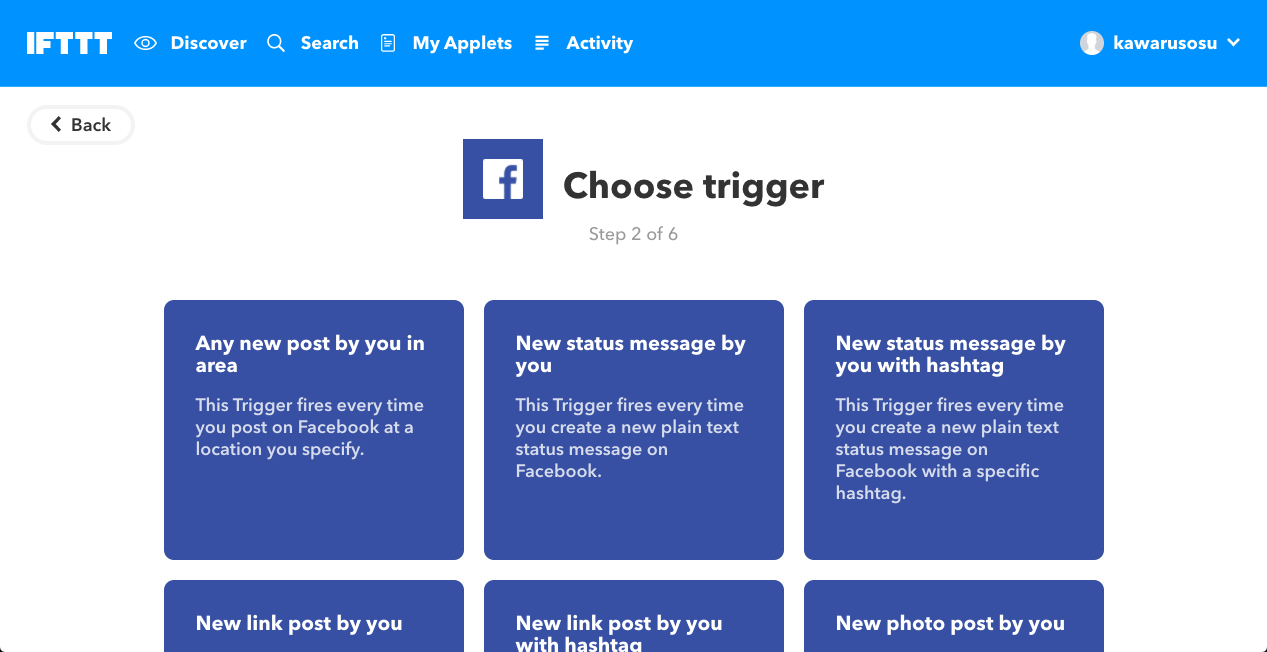
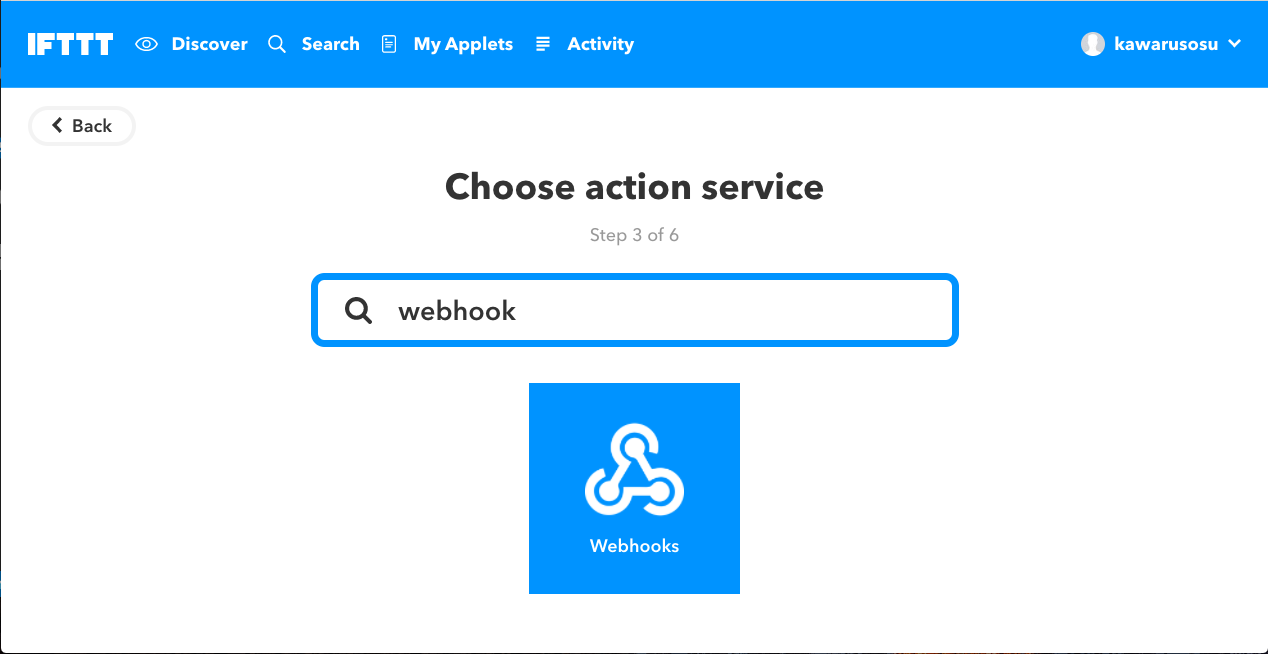
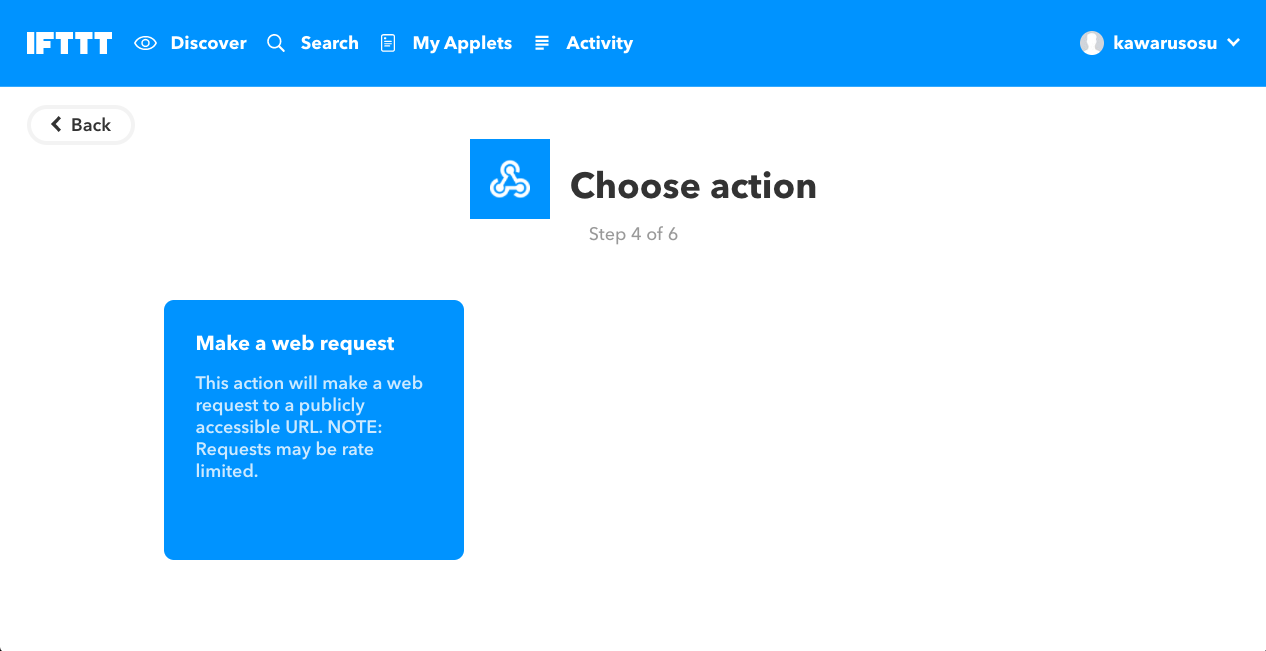
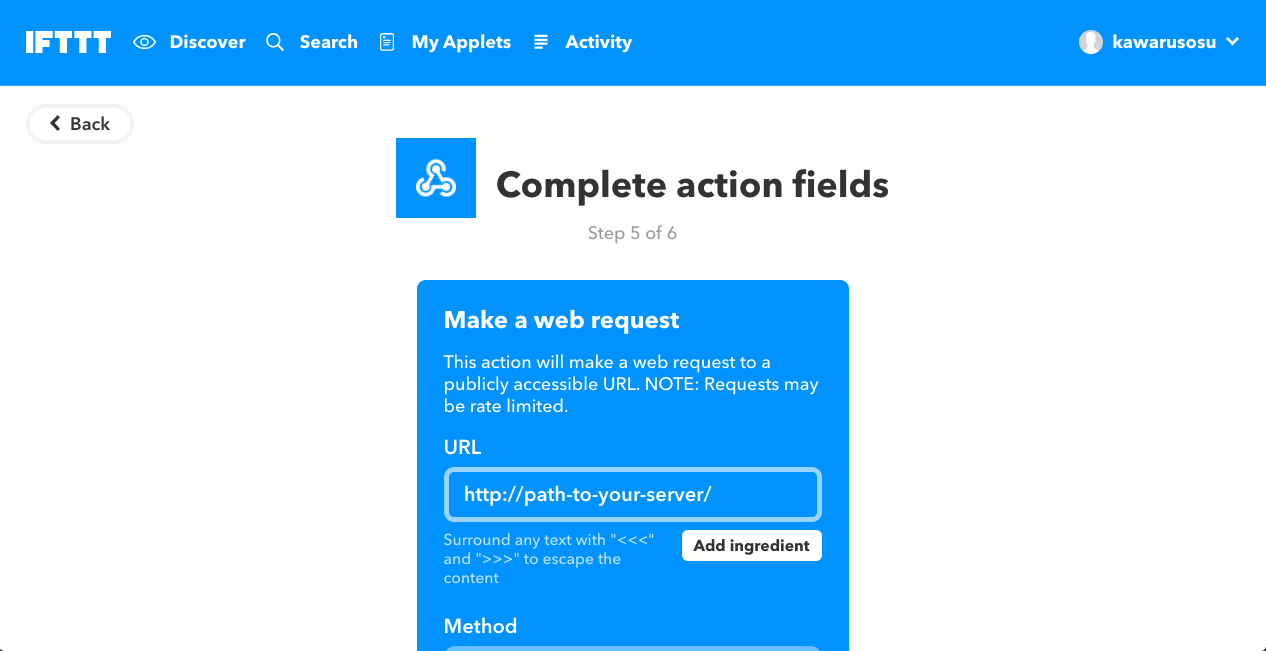
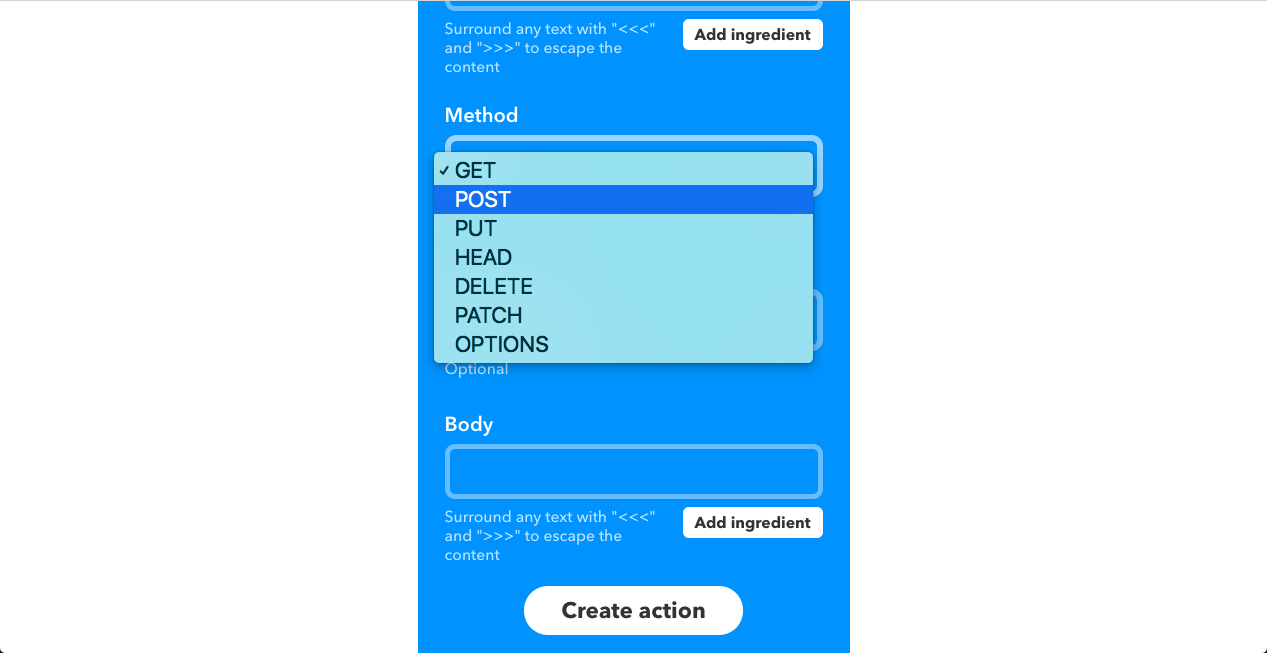
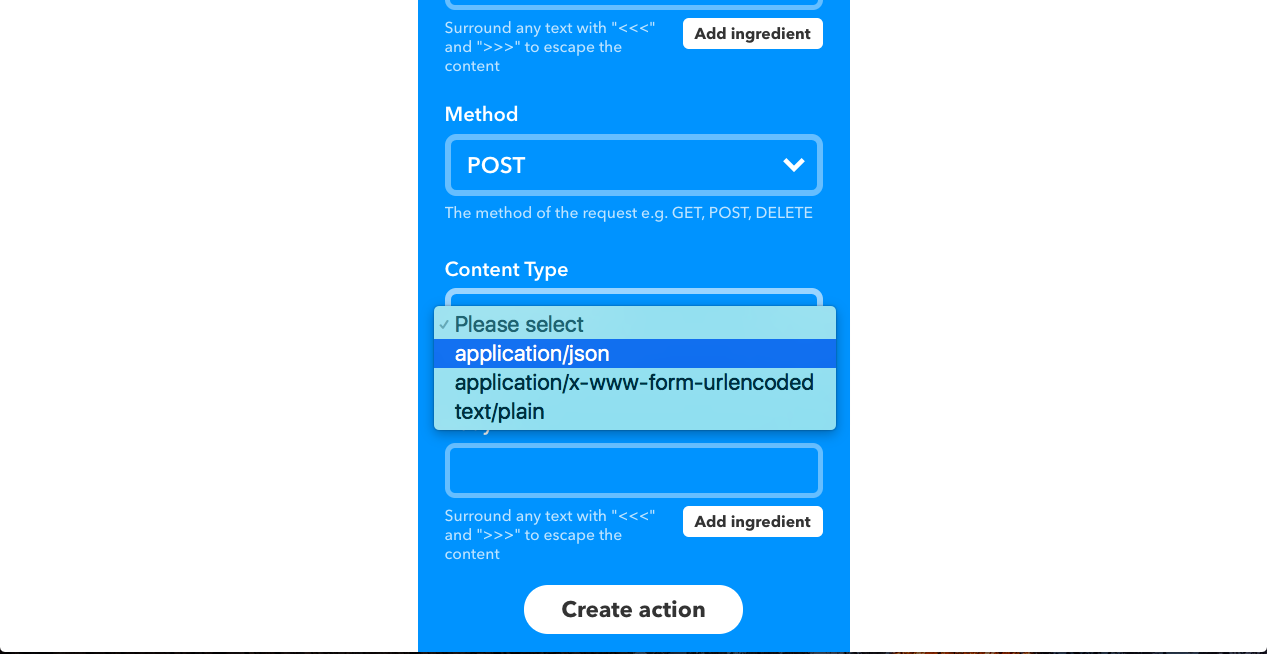
After deploying above code to Heroku or somewhere, lastly, we make an IFTTT applet.